
Download Visual Novel Maker – Visual Novel Creator, Storytelling Tool, Game Development Utility
Overview
Visual Novel Maker, developed by Degica, is a dedicated tool designed for creators aiming to produce interactive visual novels. The app serves as a comprehensive platform for writers, artists, and game developers to transform narrative ideas into playable experiences. By combining storytelling frameworks with visual and audio assets, it addresses the core challenges of content creation in the visual novel genre—namely, asset integration, animation, and cross-platform distribution. The target users include independent creators, indie game studios, and hobbyists passionate about narrative-driven games. The software supports the full production lifecycle, from script drafting to final export, enabling users to focus on creative expression rather than technical complexity.
Visual Novel Maker stands out in the mobile and desktop app ecosystem by offering a streamlined workflow tailored to narrative-centric development. Its inclusion of pre-built assets, dynamic tools, and advanced features like Live2D support positions it as a go-to solution for those entering or expanding within the visual novel space. Real-world use cases range from educational storytelling and interactive fiction to entertainment-focused games with branching plotlines. The app’s emphasis on localization and export flexibility enhances its value for creators targeting global audiences. Although the developer did not provide additional technical details, the tool’s structured approach to asset management and scripting suggests a mature development environment designed for both accessibility and depth.
Key Features & Functionality
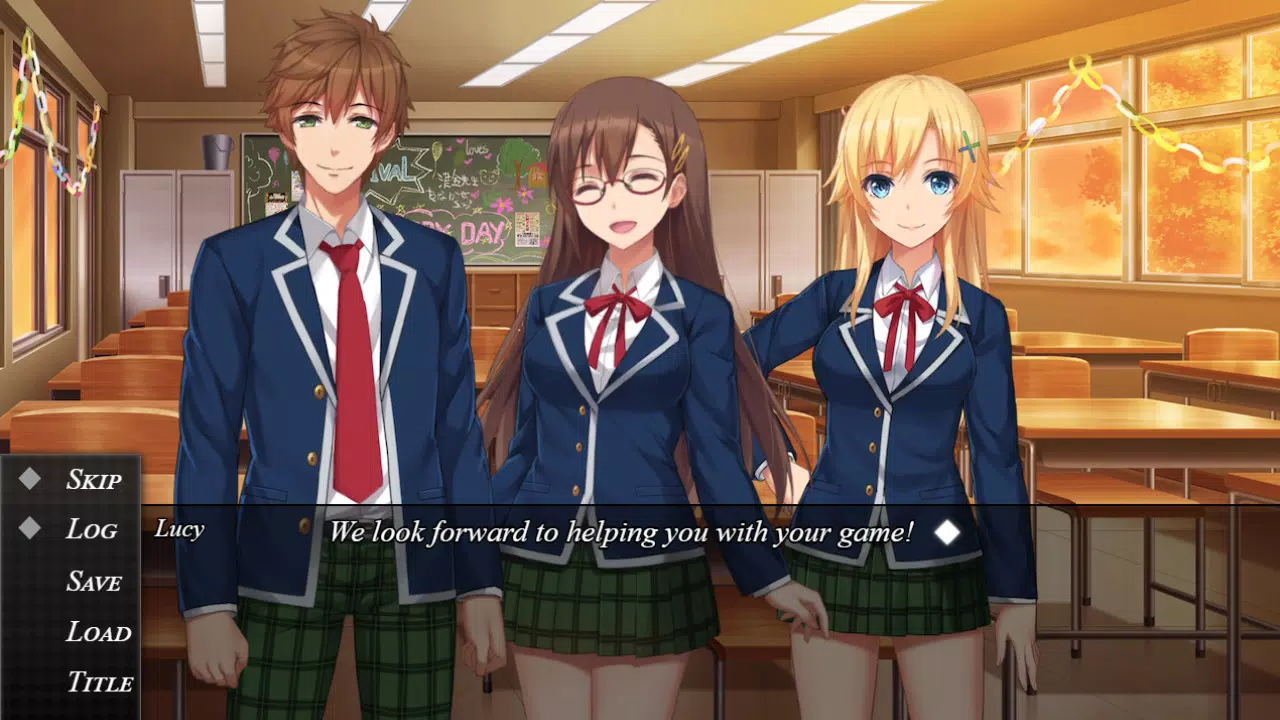
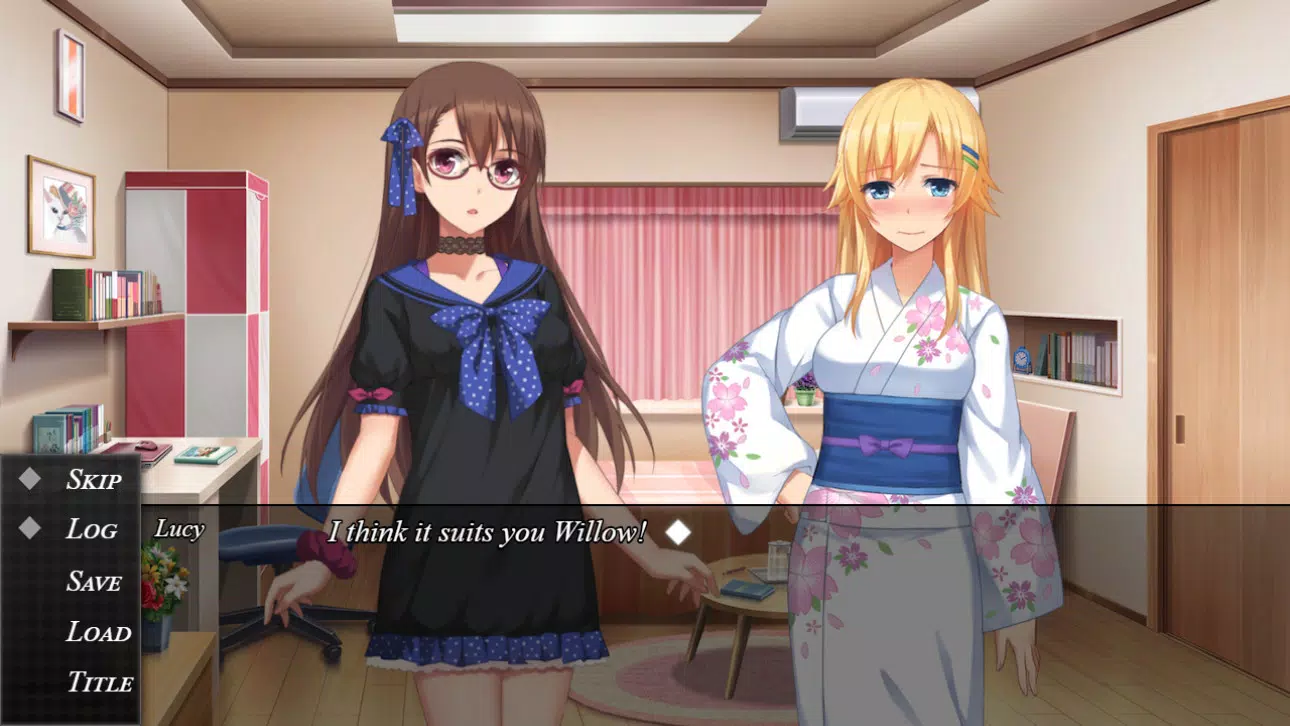
- Beautiful Free Assets (StARs): The app includes a library of high-quality Standard Asset Resources, covering characters, backgrounds, music, and sound effects. These are free to use after purchase, allowing creators to begin projects without sourcing external materials.
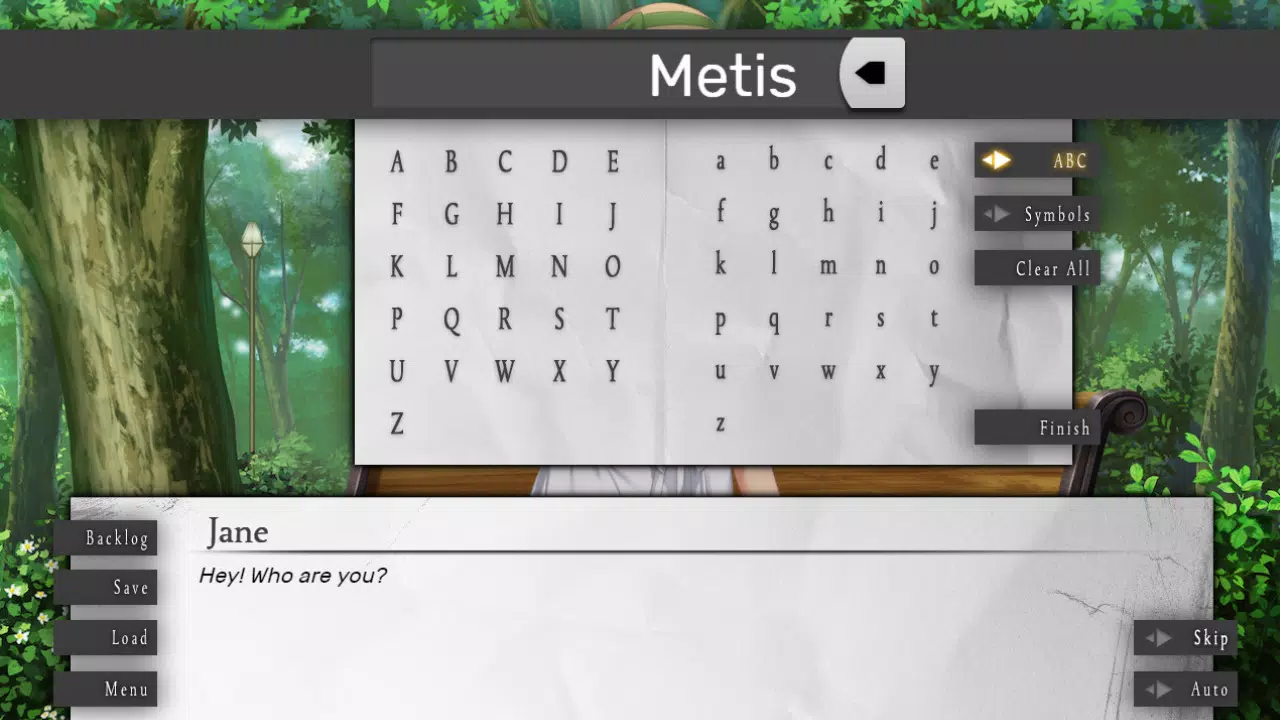
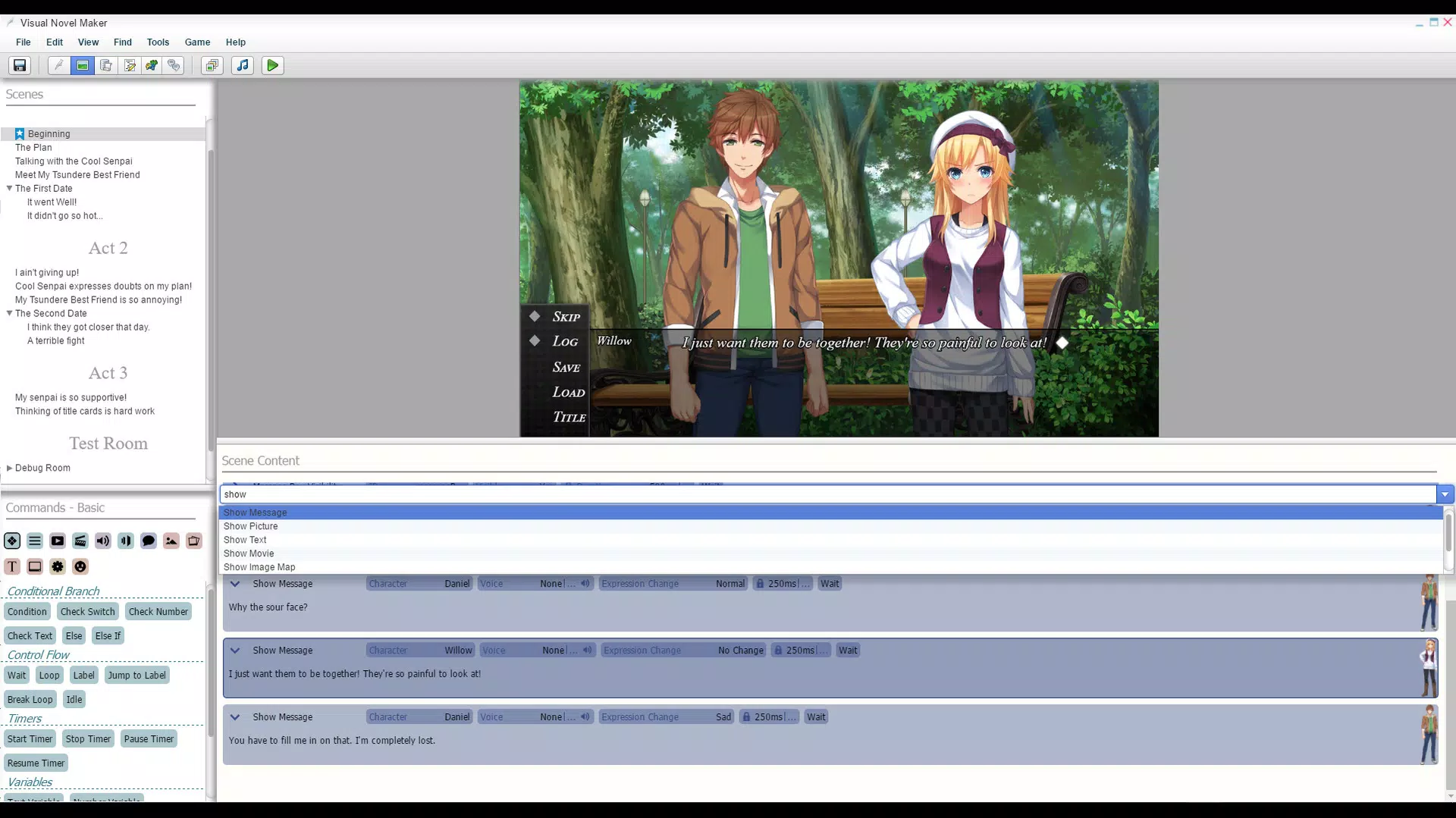
- Dynamic Creation Tools: A point-and-click and drag-and-drop interface simplifies the process of arranging scenes, dialogue, and transitions, making it accessible for users without advanced technical skills.
- Live2D and Voice Sync Support: Creators can animate 2D characters using Live2D technology and synchronize voice lines with on-screen text and animations, enhancing realism and immersion.
- Custom Scripting and Extensions: Built-in scripting enables the addition of custom game mechanics, while extensions allow users to modify the editor’s interface and functionality, offering deep customization for advanced users.
- Multiple Exporting Options: Completed projects can be exported to Windows and macOS platforms, with support for various screen resolutions, ensuring broad compatibility and audience reach.
For example, a writer developing a romance visual novel can use the StARs library to quickly populate scenes with characters and backgrounds. They can then apply Live2D to make character expressions respond to dialogue, and use voice sync to align spoken lines with lip movements. The scripting system allows for branching story paths based on player choices, while the export feature ensures the final product can be shared on multiple platforms. This functionality empowers creators to deliver polished, professional-grade visual novels with minimal friction.
Interface, UX & Performance
The interface of Visual Novel Maker is structured around a modular workspace, featuring scene editors, timeline panels, and asset libraries. The visual style emphasizes clarity and organization, with color-coded elements and intuitive icons that reduce cognitive load. Navigation is consistent across tools, allowing users to switch between scripting, asset management, and preview modes seamlessly. The drag-and-drop functionality enhances usability, particularly for creators focused on narrative rather than programming.
Although the developer did not list formal performance metrics, the app appears optimized for stable operation across mid-to-high-end devices. Responsiveness is maintained during scene editing and animation preview, with minimal lag during asset manipulation. Stability is supported by a structured file system and automatic save features, reducing the risk of data loss.
The app handles large projects efficiently, though performance may vary depending on device capabilities. Users working with complex animations or high-resolution assets may experience slower load times on lower-end hardware. The developer did not specify minimum OS requirements or memory usage, but the app’s design suggests it is built for desktop environments rather than mobile platforms.
Platform Compatibility & Technical Requirements
Visual Novel Maker is available for Windows and macOS, allowing creators to develop visual novels on desktop systems. The app supports both operating systems, though specific version numbers were not listed. The file size is not disclosed, but given its feature set—particularly Live2D integration and asset libraries—it likely requires a substantial amount of storage space. The developer did not specify minimum OS requirements or hardware specifications, nor did they provide information on mobile compatibility.
As the app is designed for desktop use, it is not optimized for smartphones or tablets. Users seeking to create visual novels on mobile devices will need to consider alternative tools. The lack of official Android or iOS support means that the app cannot be installed directly on mobile devices. For users interested in mobile development, the final exported games may be playable on mobile platforms, but the creation process itself is restricted to desktop environments.
Pros and Cons
Pros
- Comprehensive asset library with free-to-use resources after purchase
- User-friendly interface with drag-and-drop and point-and-click tools
- Advanced features like Live2D and voice synchronization for immersive storytelling
- Support for custom scripting and editor extensions for deep customization
- Multiple export options for Windows and macOS with resolution flexibility
Cons
- Not available for mobile platforms; development is desktop-only
- Specific OS version and hardware requirements were not disclosed
- File size and storage needs are unknown, potentially high due to asset and toolset inclusion
- No official support for Android or iOS export during creation
- Developer did not provide performance benchmarks or stability reports
FAQ
Is Visual Novel Maker free to download?
Visual Novel Maker is not free to download. It requires a purchase to access the full suite of features, including the free-to-use asset library.
Can I create visual novels on my smartphone?
No. The app is designed for desktop use on Windows and macOS. It is not available for Android or iOS devices.
Does Visual Novel Maker support mobile game exports?
While the final exported games can be played on mobile devices, the development process itself does not support mobile-based creation. Export options are limited to Windows and macOS.
Are the assets included in the app truly free?
Yes, the Standard Asset Resources (StARs) are free to use after purchase of the software. However, they are not free to download without acquiring the app.
How often does Visual Novel Maker receive updates?
The developer did not specify update frequency. Users should check the official website or platform store for the latest version and release notes.
Final Thoughts
Visual Novel Maker delivers a robust, creator-focused environment for producing high-quality visual novels. Its blend of accessible tools, advanced features like Live2D and voice sync, and flexible export options makes it a valuable asset for writers, artists, and developers. While the lack of mobile availability and unspecified technical requirements may limit some users, its desktop-centric design ensures stability and performance for serious creators. The app excels in empowering storytellers to bring their visions to life with minimal technical barriers.
For anyone passionate about narrative-driven games and seeking a powerful, customizable development platform, Visual Novel Maker offers a compelling solution. Whether you're crafting a short interactive story or a full-length visual novel, the tool provides the foundation for professional-grade results.
Download Visual Novel Maker now


